Secure and Trusted

Take Aydapay with You Everywhere

Manage your transfers on the go with our award-winning mobile application available for both iOS and Android devices.

Get instant access to your account, send money, and track transfers in real-time from your smartphone.

10,000+
Downloads
4.9
User Rating
99.9%
Uptime
SSL Encrypted
Bank-Grade
GDPR Compliant – you can access, update, or delete your data
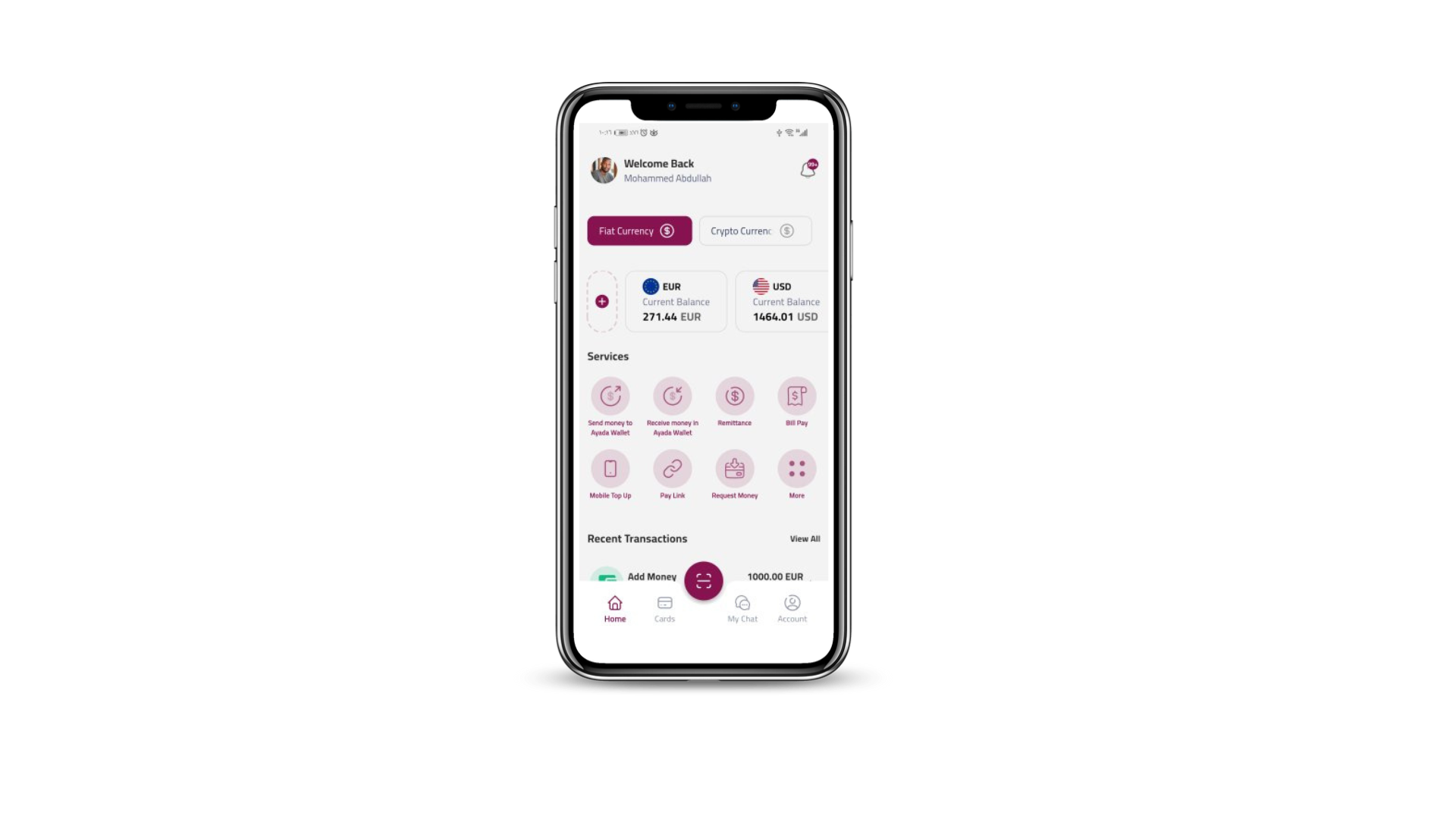
App Dashboard
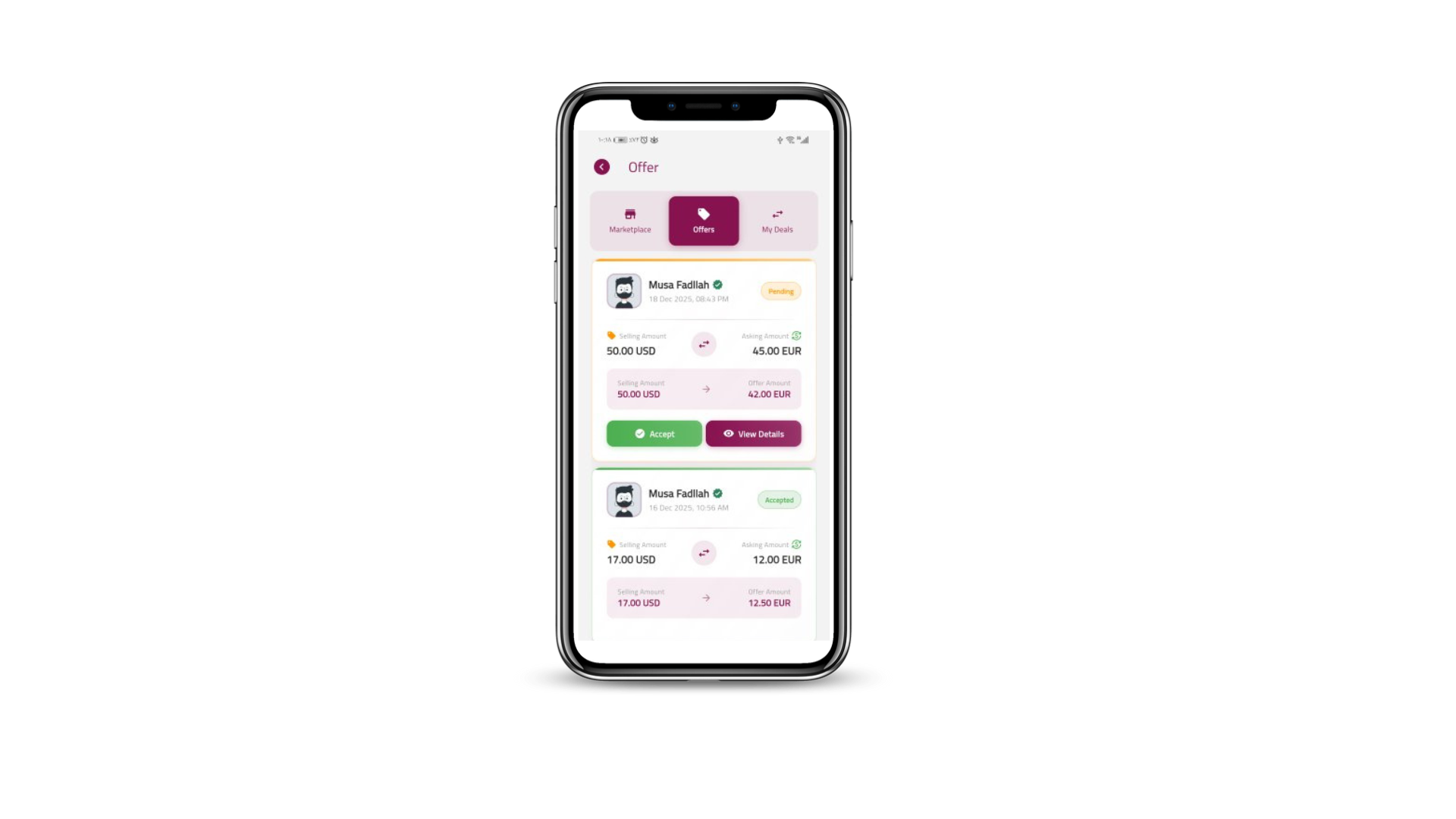
Money Transfer
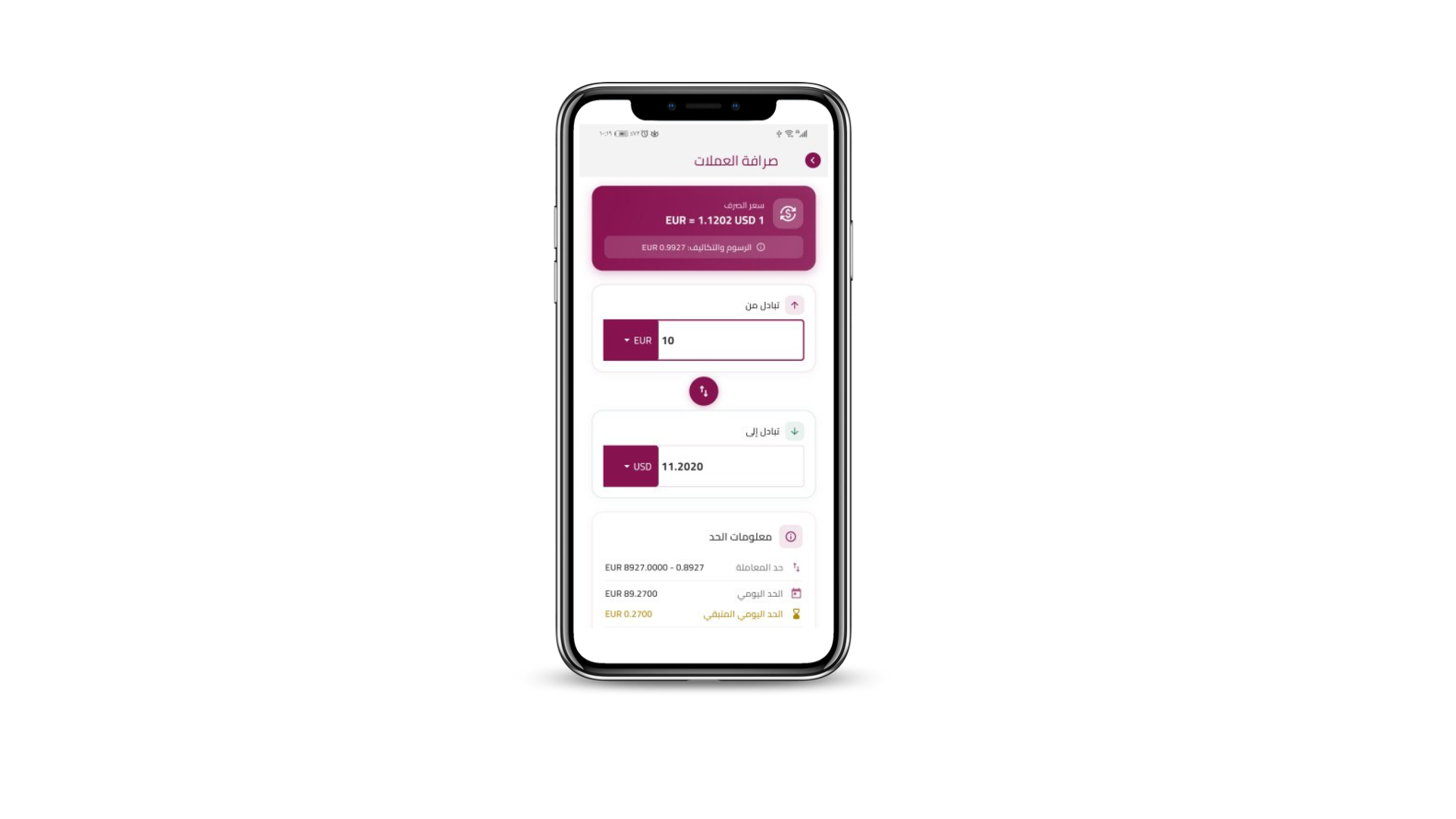
Exchange Rates
Transaction History

Why Download the App?

Enjoy these exclusive benefits with our mobile app

Faster Transfers

Complete transfers in seconds using the app’s optimized mobile interface. 50% faster than the web browser.

Real-Time Alerts

Get instant notifications for every transaction, status updates, and exchange rate alerts directly on your phone.

QR Payments

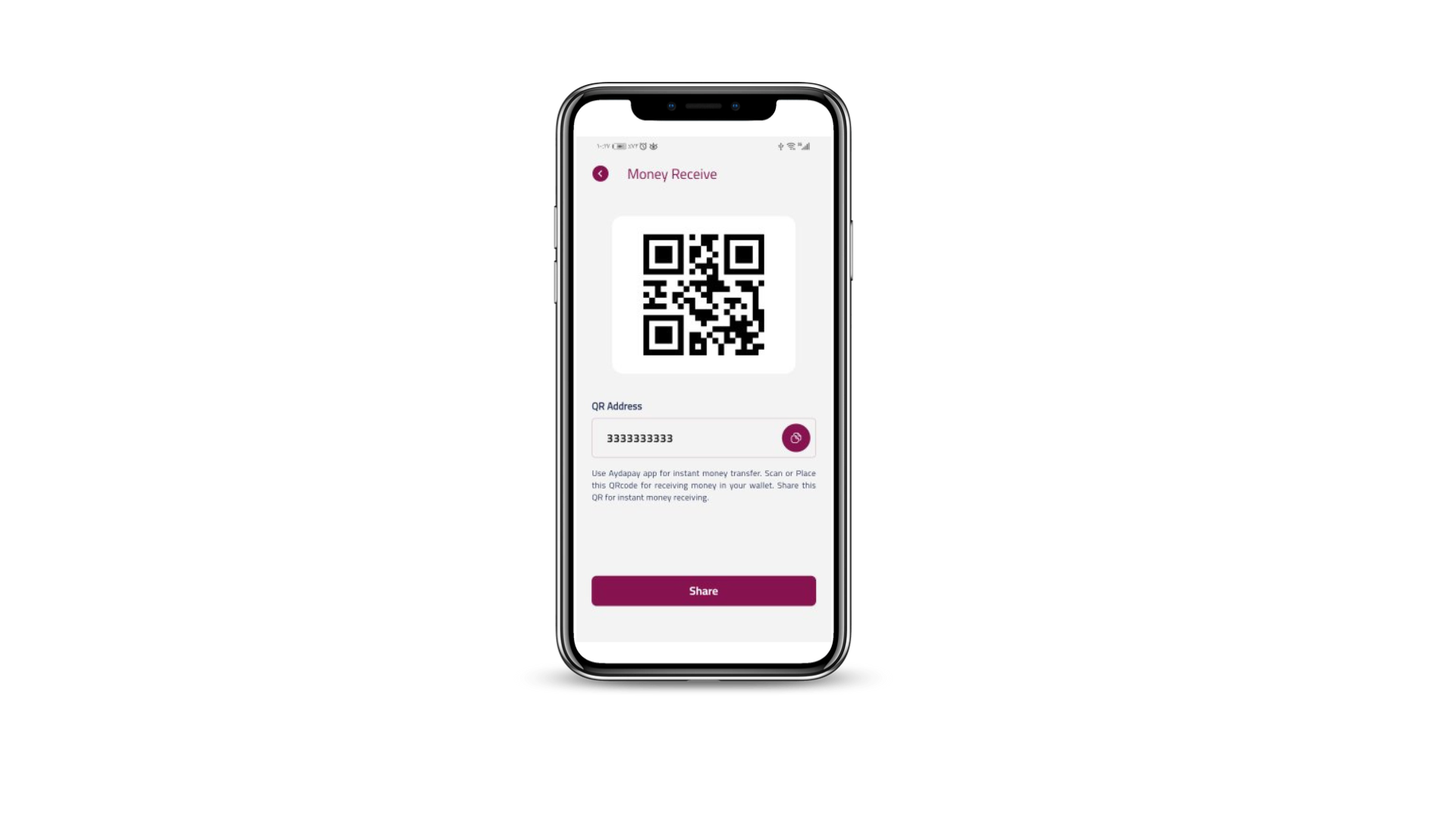
Scan QR codes for instant payments or share your QR code to receive money in seconds.

Rate Alerts

Set custom alerts for exchange rates and never miss an opportunity to transfer at the best price.

Biometric Login

Log in securely using fingerprint or facial recognition. No need for passwords every time.

Offline Access

View transaction history and saved beneficiaries even without an internet connection. Sync when you are back online.

Bank-Level Security

Our mobile app uses the same bank-level security as our web platform, with additional layers of protection designed specifically for mobile devices.

End-to-end encryption for all data
Secure key storage within the app pocket
Regular security audits and updates
No sharing of your data with third parties without consent
PCI DSS Certified PCI DSS Certified
GDPR Compliant GDPR Compliant

How to Install

Follow these steps for safe installation

1

Download APK file

Click the download button above to start the download. The file will be saved in your downloads folder.

You may need to allow installation from unknown sources in your Android settings
2

Verify Signature

To ensure the APK file is authentic, you can verify its SHA-256 signature:

SHA-256: f00b8a0f6fb97c5981a4af9d53873958b9339940f146968f6c0c9259f983d3c2
3

Install the App

Once the file is downloaded, click on it to start the installation. Follow the on-screen instructions to complete the setup.

4

Secure Login

Open the app and log in using your existing account credentials. Set up biometric authentication for faster access.

Watch Installation Guide

User Testimonials

Trusted by thousands of users worldwide

"The app makes international transfers so much easier. I save hours every week compared to using the website."

Using v for 6 months

"The rate alerts feature saved me over $500 last month. Best financial app I've ever used."

Using v for 8 months

"Sending money home has never been easier. The biometric login gives me peace of mind about security."

Using v for 1 year

Frequently Asked Questions

We are actively working on listing our app on the Google Play Store. In the meantime, we offer direct download to provide you with the fastest access to our app.

Direct download ensures you always get the latest version directly from our secure servers.

Absolutely! Our app undergoes strict security protocols:

  • Code signing certificate from a trusted authority
  • Regular security updates and bug fixes
  • Independent third-party security audits

The app will automatically notify you when a new update is available. You can also manually check for updates in the app settings.

Current Version: v
Last Update: January 16, 2026

We only collect data necessary to provide our services. All personal data is encrypted and never shared with third parties. You have full control over your data.

View Full Privacy Policy →

Ready to Download?

Join thousands of happy users who trust our app

2,450
Active Users
$15M+
Volume Processed
4.9/5
Customer Rating
Registered Financial Institution
Data Protected
24/7 Support
Fast Transfers